
Engineer the project, not just the drawings.
Project Database Engineering for electrical and instrumentation work. Devices, wires, cables, terminals, issues and documents live in one shared project database. Change it once, in the data or on a drawing, and every drawing, schedule and datasheet stays in step.
- Simple to learn
- Straightforward to run
- Built on your data
Perpetual licence. Pay once, and it's yours to keep.
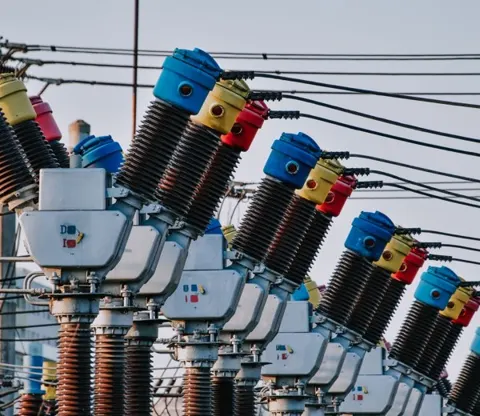 ElectricalCircuits, devices, tags and wiring
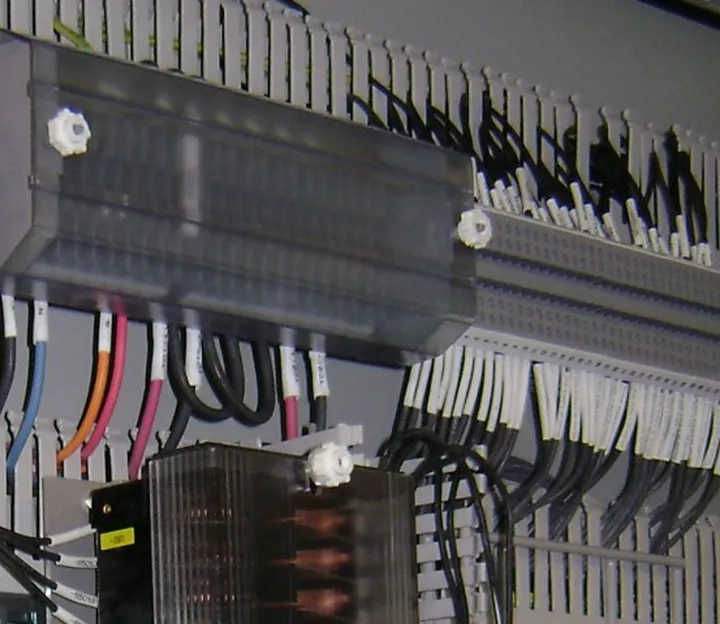 PanelsEnclosures, components and terminals
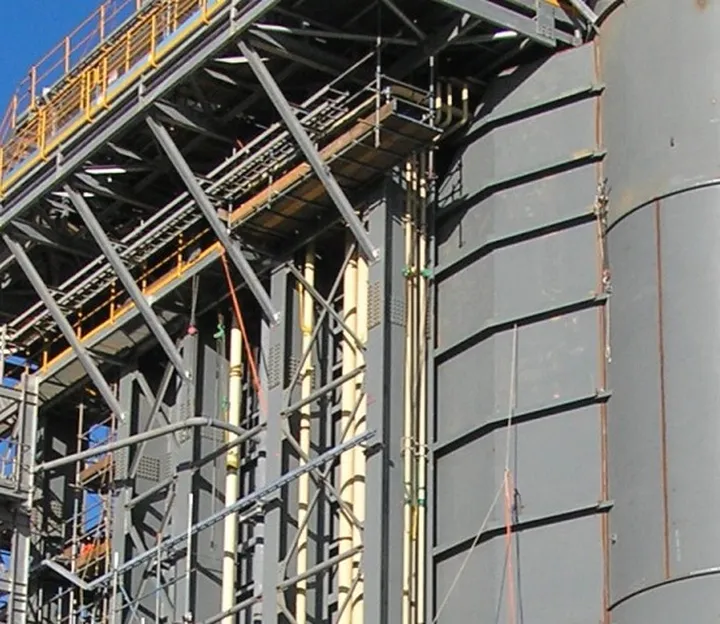 Plant & cablingTrays, routes, cables and cores
 InstrumentationInstruments, loops and datasheets
database
everything stays in step
Runs on AutoCAD, BricsCAD or GstarCAD
- Schematics & wiring diagrams
- 3D panel layouts
- Bill of materials
- Cable schedules & routes
- Cable fill & drum reports
- Terminal & cross-reference lists
- Loop & hook-up diagrams
- Instrument datasheets
- PanelsPanels, MCCs and switchboards, in 2D and 3D
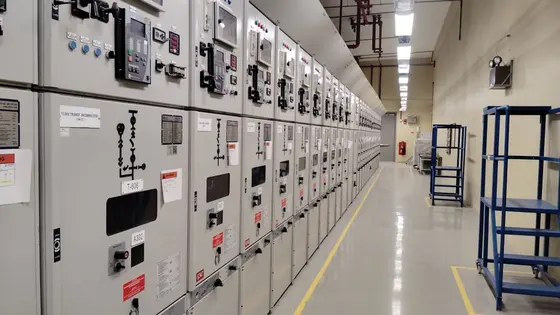 Control roomsArrays of panels, control rooms and analyser shelters
 PlantCable trays, ladders, conduit and duct banks across the site
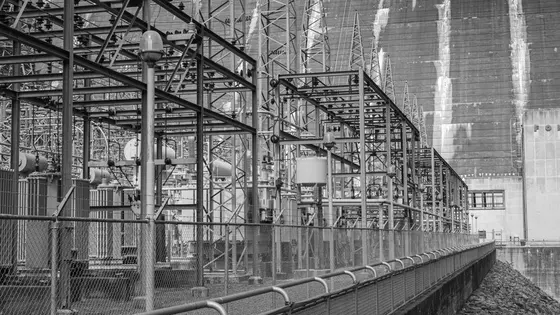 SubstationsSingle-line to schematics, cables and panel layouts
- Since 1985
- in electrical design
- 50+
- countries
- 200,000+
- manufacturers' parts
- 5,000+
- symbol blocks
- 3 CAD platforms
- AutoCAD, BricsCAD, GstarCAD
Run the project from the data.
Much of the daily work happens in the project database, without opening a drawing, and the drawings stay in step with it.
Edit like a spreadsheet
Work on the whole project's data in rows and columns, with copy and paste across records, numbering in sequence, find and replace, and undo.
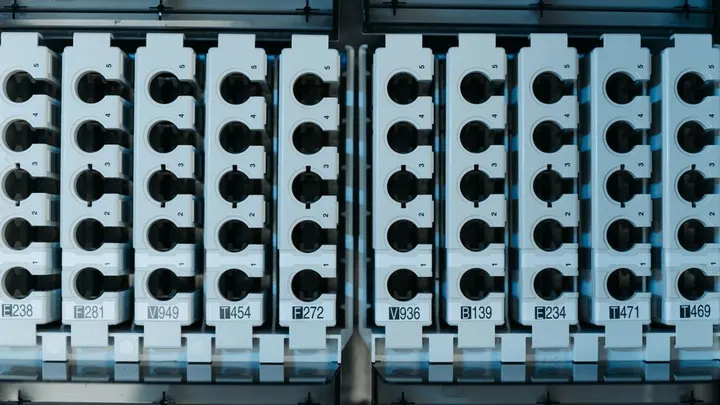
Change once, update every drawing
Rename and renumber panels, devices, cables and wires in the data, and one action carries it to every drawing. Edit a device on any drawing, and every symbol of it follows.
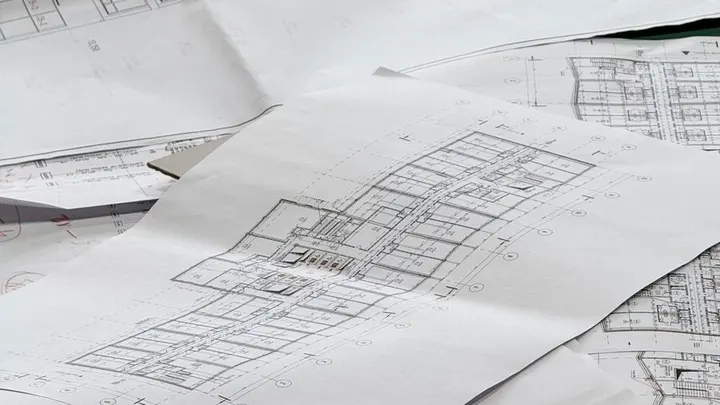
Wires to cables, cores allocated
Assign schematic wires to inter-panel cables and allocate the cores. Terminal strips are managed in the same data, and the terminations flow back to the drawings.
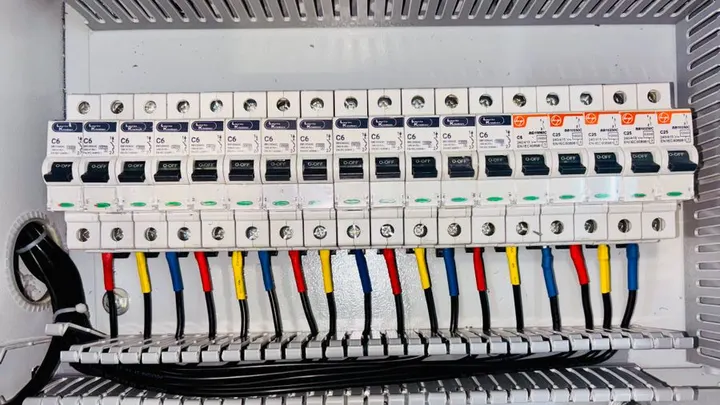
Add an instrument, get the rest
Pick an instrument from the catalogue and its terminals, its cable and its diagrams are created with it. Datasheets open in Excel and go back into the database.

Let the suite draw the repeats.
The repetitive drawing work is generated from the data, so engineers spend their time on the design.
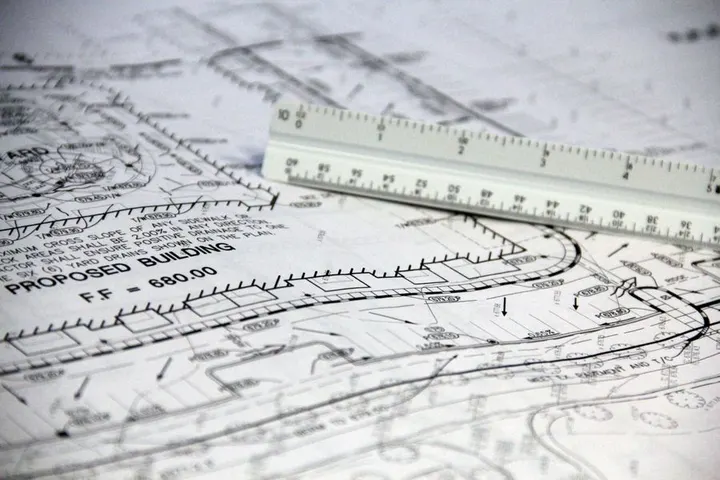
Many drawings from one set of data
Draw a typical once, then generate every similar drawing in the project from a table, in batches, unattended.
PLC I/O, card by card
Build I/O cards from the catalogue, with field and marshalling wiring on every channel, spread across sheets.
Wiring diagrams that refresh
Device wiring diagrams and terminal strips are generated from the schematics. One command refreshes them all, and an audit shows what changed.
Loops, hook-ups and datasheets
Loop, hook-up and terminal strip diagrams and Excel datasheets are filled from the database using your templates.
Copy a circuit, tags follow
Copied circuits take the next free tags in the project, and a live check shows where a tag is already used.
Numbers and references, automatic
Wire numbers across the whole project in one run, and coil-to-contact cross-references by zone or rung.
Built right, pulled right.
The same project data carries on into the panel shop and out to the cable pull.
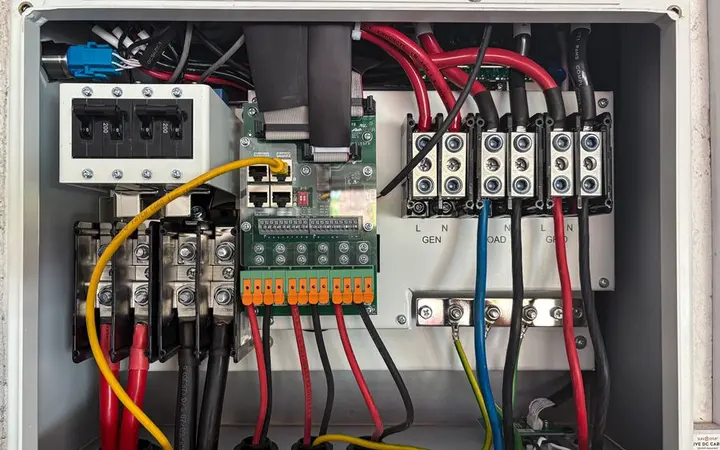
3D panels, flat plates, back again
Unfold a 3D panel into flat plates, lay out the components in 2D, and rebuild it in 3D, with the plates dimensioned.
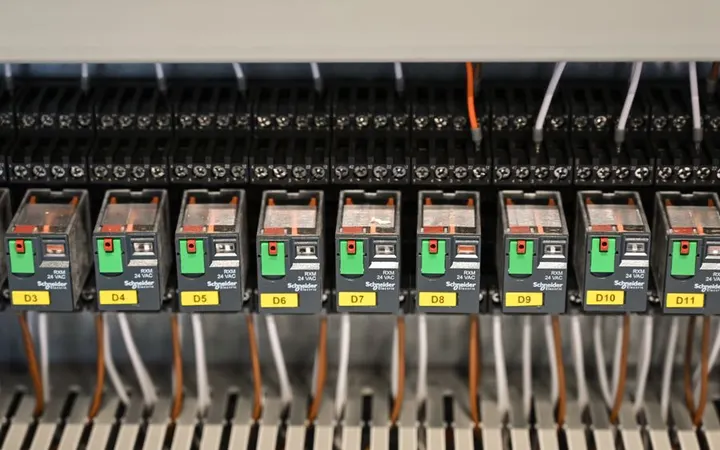
Clashes found before the build
Check components against each other, and check that every panel door can open.
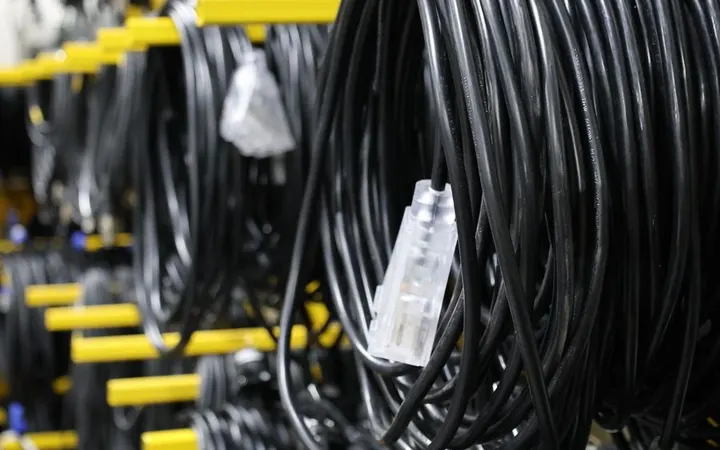
Cables routed for you
Route cables automatically, by hand or both, through trays, ladders, conduit and duct banks, with fill checked.
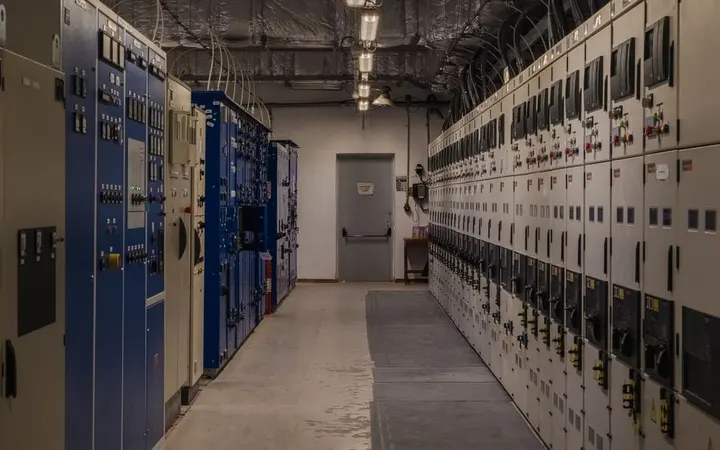
Power and signal kept apart
Segregation rules keep power and instrument cables in separate raceway, and routing follows them.
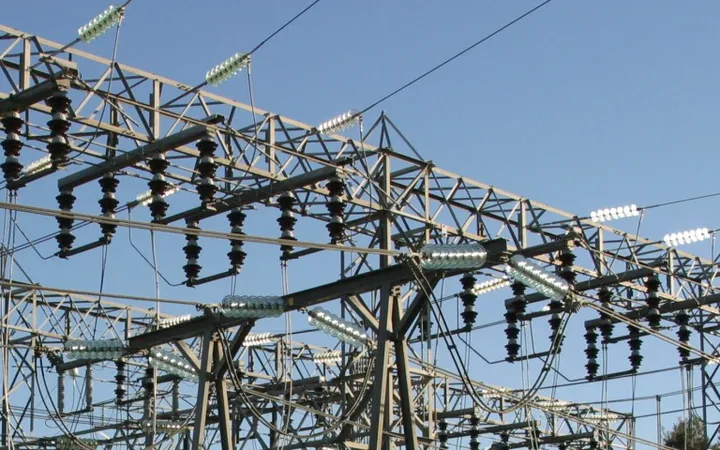
Issue cables to site in batches
Issue cables as construction needs them. Issued cables are locked, and a pull-together list shows what goes in together.
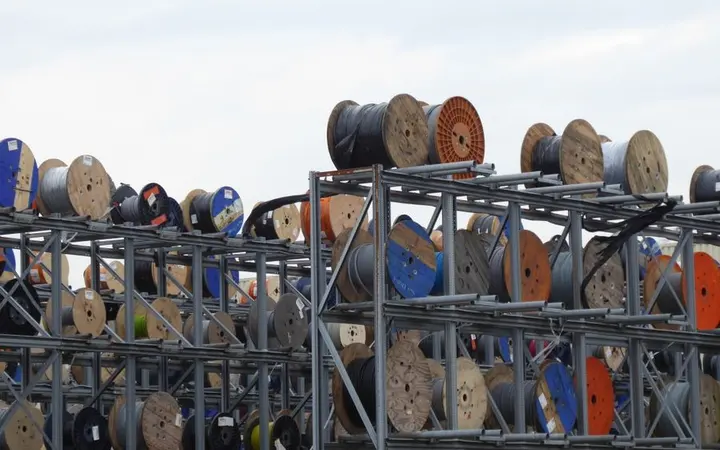
Drums planned, waste counted
Allocate cables to drums, with splices and wastage, so you know what the job really needs.
Every revision, kept and compared.
Projects move through many revisions before they are built. Every one is kept whole, every change is listed, and any earlier revision is one step away.
- Rev AIssued for reviewDrawings · data · reports
- Rev BComments taken inDrawings · data · reports
- Rev CIssued for constructionDrawings · data · reports
| New | -Q12 | MCB 2P 16A |
| Modified | C-201 | 4 core → 7 core |
| Deleted | -K3 | Contactor 24V DC |
| Modified | TB-04 | Terminals 12 → 16 |
The whole project, kept
Each new revision stores a snapshot of the project: its data, every drawing and every report, exactly as they stood.
What changed, line by line
A comparison report for each schedule and list, with every item marked new, modified or deleted.
Compare any two
Set the current revision against any stored one, not only the last.
Go back with confidence
Restore an earlier revision; the current state is kept as a snapshot first.
Title blocks that keep up
Loop, hook-up and terminal diagrams get the new revision, its author and date in the title block.
Drawings checked against the data
An audit marks what changed on generated wiring diagrams since they were last made.
Complex projects, handled with control.
The project database also keeps the project under control: who changed what, what is still open, what doesn't match, and where every input came from.
Issues on the component
Record an issue against the device or drawing it concerns, and close it when it's resolved. Reviewers can raise issues without changing the design.
Every change on record
A log of what was added and changed, for the component types you choose, gives you a clear audit trail.
The right access for each person
One administrator sets who can read, raise issues, request outputs or write.
Project inputs, indexed
Link customer documents, datasheets, certificates and technical inputs to the components they belong to.
Revisions you can compare
Each revision is a snapshot of the project, with a report of what changed since the last one, and an earlier revision can be restored.
Checks that catch the gaps
After every report run, a warnings list points to what's wrong: items missing from the schematic, the wiring diagram or the panel model, duplicate tags, parts not from the catalogue.
Each client's standard, one switch
Keep each client's symbols, borders and report formats, and switch between them in one step.
One database for the whole team
Several engineers work at once, with a warning if two edit the same record. Start small and move to SQL Server as the team grows.
Every domain, the features that matter.
One suite for every domain that runs on electrical and instrumentation design. Here is what each one gets most from it.
 Power generation
- Plant cable networks routed, filled and drummed
- Every instrument and loop in one database
- Each approval round kept as a revision
- Transmission, distribution and substations
- Single-line to schematics, wiring and terminal strips
- Inter-panel cables and core allocation
- Each client’s standard, one switch
 Renewables: wind, solar, hybrid
- Every yard and feeder generated from a location table
- Array and collection cables, drums, site batches
- Pooling substation panels and SCADA I/O
- Oil and gas
- Instrument index, loops, hook-ups, datasheets
- Instrument data brought in from your P&ID
- Power and instrument cables kept apart
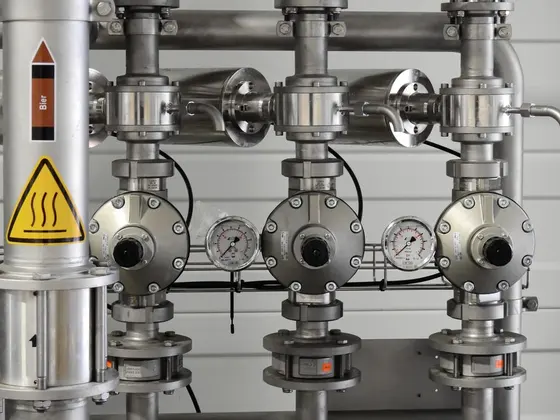 Process plants
- Loops and datasheets from one database
- Raceway routing with fill checked
- Plant changes kept as revisions
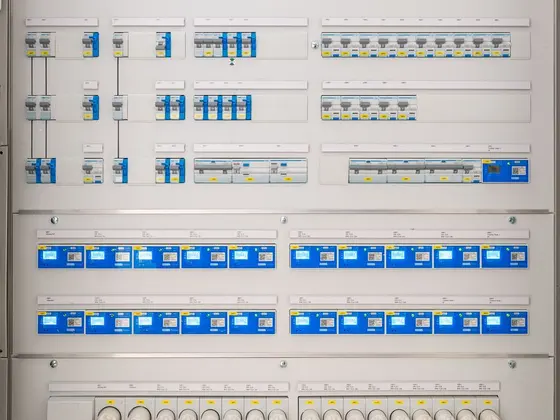 Switchgear and panel builders
- 3D panels, unfolded to flat plates and rebuilt
- Clash and door checks before the build
- BOM and wiring diagrams from the same data
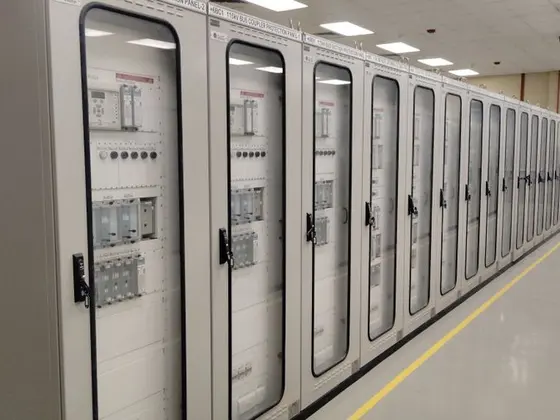 Control systems
- PLC I/O, card by card
- Wiring diagrams that refresh, with an audit
- Terminal strips and cross-references
 Construction and buildings
- Trays, conduit and duct banks across the site
- Cables issued to site in batches
- Drums planned, wastage counted
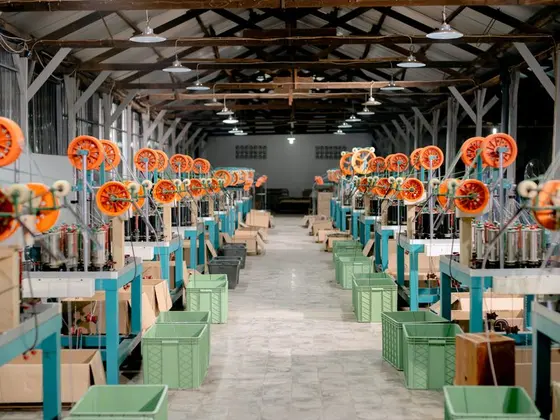 Manufacturing
- Many similar drawings from one table
- Copied circuits take the next free tags
- Reports that match the design
Four modules, one suite.
Four modules on one project database, with Cable Scheduler and Protogen included.

Elecdes
Single-line, schematic, wiring, loop and panel layout diagrams, with a wiring diagram generator and PLC I/O wizard.

Paneldes Panel
3D panel layouts and general arrangements, with wire harness routing and interference checks.
Paneldes Raceway
3D cable trays, ladders, conduit and duct banks, with automated cable routing, fill and drum lists.

Instrument Manager
The project database: instruments, loops, hook-ups, datasheets and the instrument index, edited without opening CAD.

Cable Scheduler
Cables, inter-panel connections and core allocation, from the single-line diagram to the termination list. Comes with Elecdes.

Protogen
Draw a typical once, then generate every similar drawing in the project from your data.
The full suite, sized to your project.
One suite for every E&I deliverable, licensed to fit your team and your budget.
- 01
See the whole suite
We show you everything it can do, on a project like yours.
- 02
Choose what you need now
When budget matters, we configure the licence to the work your team does today.
- 03
Add the rest as you grow
Extend the same project database when your work grows. Nothing is redone.
Buy it once. It's yours.
Pay once and keep using it for as long as you like.
Perpetual licence
A one-time cost you can plan for, with no yearly fee to keep it working.
EMS, yearly
Updates, new releases and technical support from VISAN, backed by the Elecdes Systems team.
Runs inside AutoCAD, BricsCAD or GstarCAD. Symbols to IEC, IEEE/ANSI, AS and ISA standards.
The software, and the people who know it.
Official dealer, full support
Licences, set-up and EMS support through VISAN, backed by the Elecdes Systems technical team.
Engineers who know it
Our team can set up your project database and take on drawings and secondary engineering when your project peaks.
Our own tools on top
VISAN Apps works alongside the suite: drawings from your own typicals, checked before submission.
Already using EDS? We’re your local dealer.
Support, EMS renewals, more licences and help on your projects, through VISAN, backed by the Elecdes Systems technical team.
- Elecdes
- Paneldes
- Instrument Manager
- Protogen
- Cable Scheduler
See it on a project like yours.
Bring a single-line, a cable schedule or an instrument index from a past job, and we'll build the project database with you.